Is it right for their age?
A toddler playground isn’t the same as a day out for a nine-year-old.


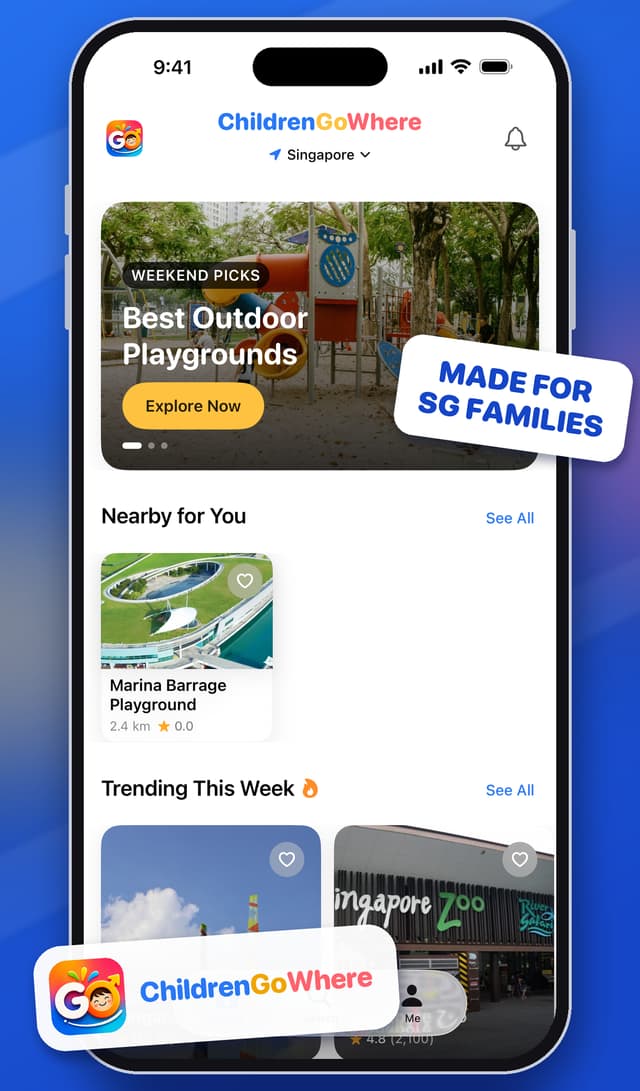
Made for Singapore families
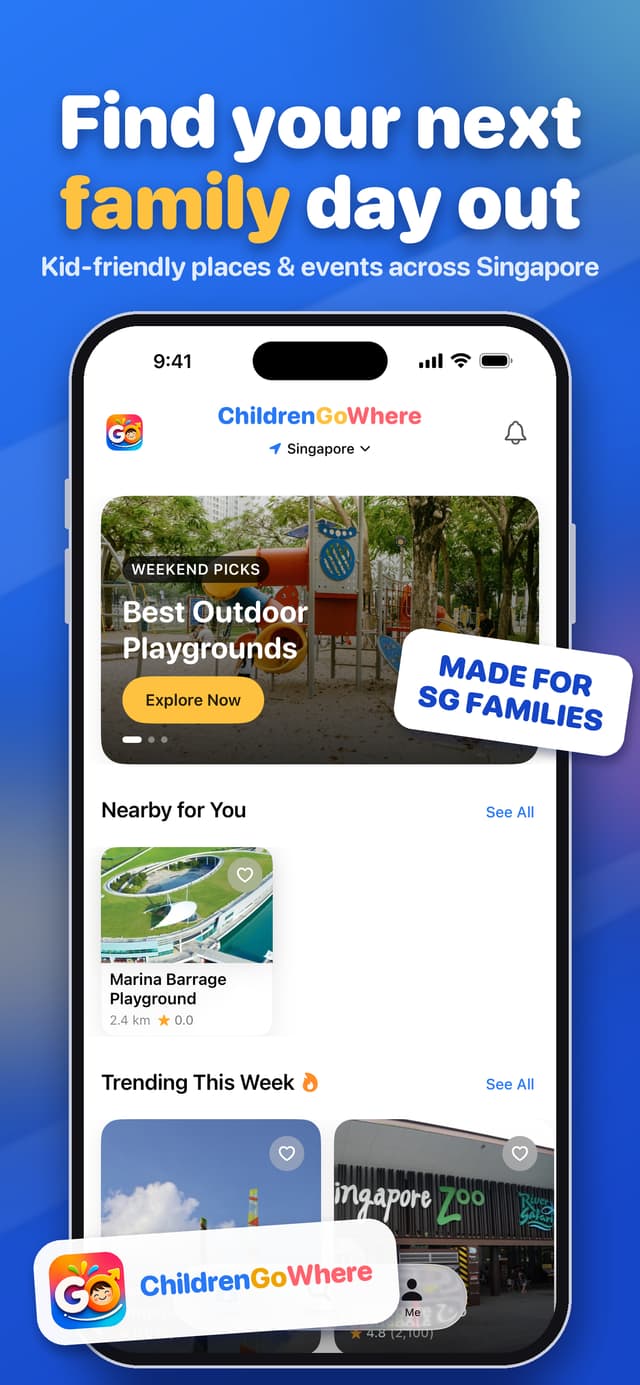
Kid-friendly places and events, filtered by your child’s age, your budget and the weather, with opening hours, crowd levels and directions in one place.
Launching on the App Store soon. This page will link straight to it the moment it is live.
The problem
Finding somewhere that really works for your family means juggling a lot at once, and the answers are scattered across apps, maps and chats.
A toddler playground isn’t the same as a day out for a nine-year-old.
Free, under $10 or a splurge? You want to know before you leave home.
Indoor or outdoor, and a backup plan for a wet weekend.
Crowd levels and the best time to go can make or break the day.
The nearest MRT and bus stop, parking, and how long the trip takes.
Accessibility, facilities and safety notes that reviews rarely cover.
ChildrenGoWhere brings age, budget, weather and logistics together, so you can choose a place with confidence and get going.
Features
From browsing ideas to getting through the front door, each step is built around how parents actually decide.
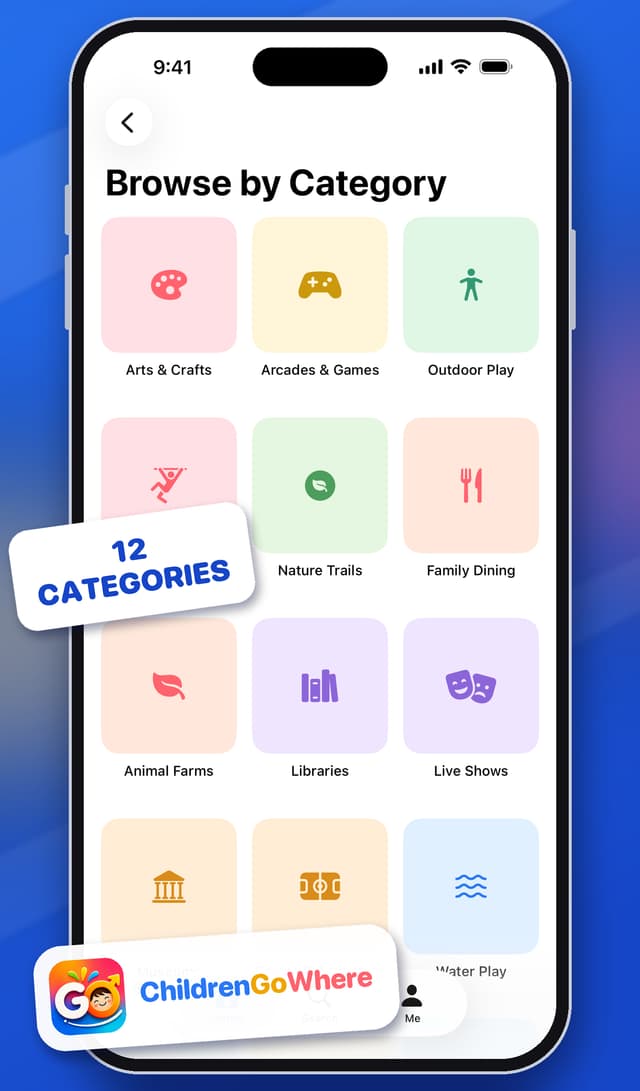
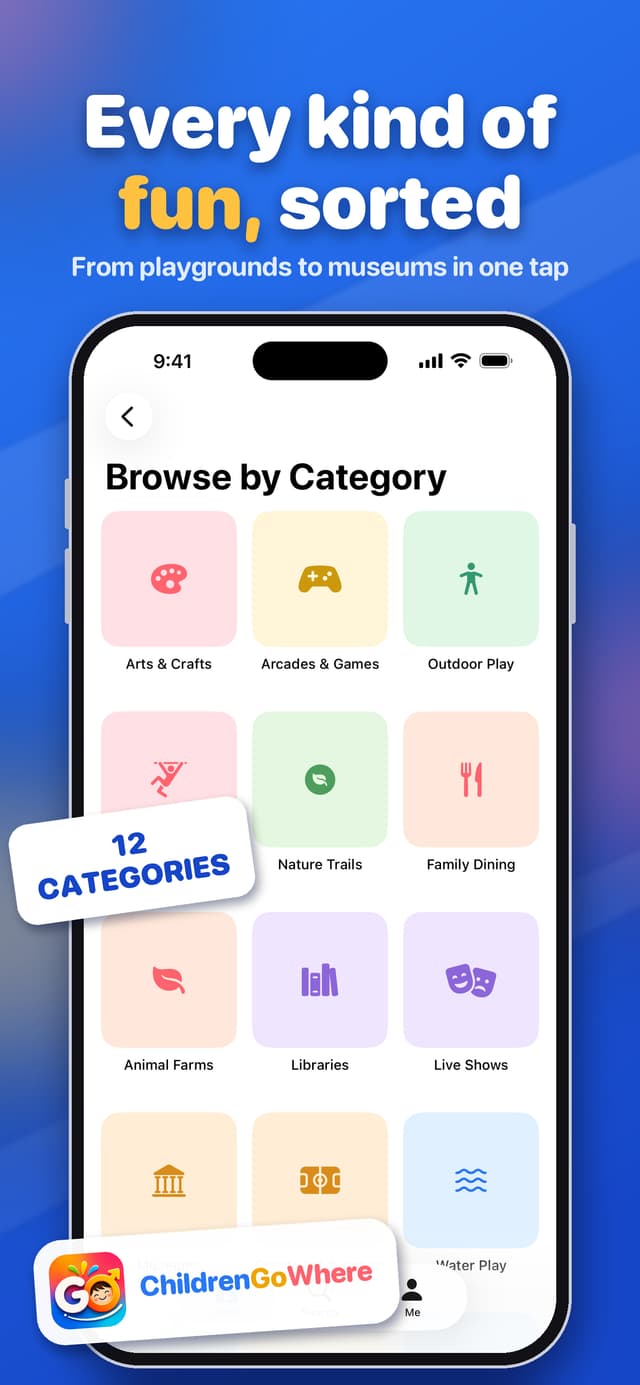
From playgrounds to museums, jump straight to the kind of outing you’re in the mood for.
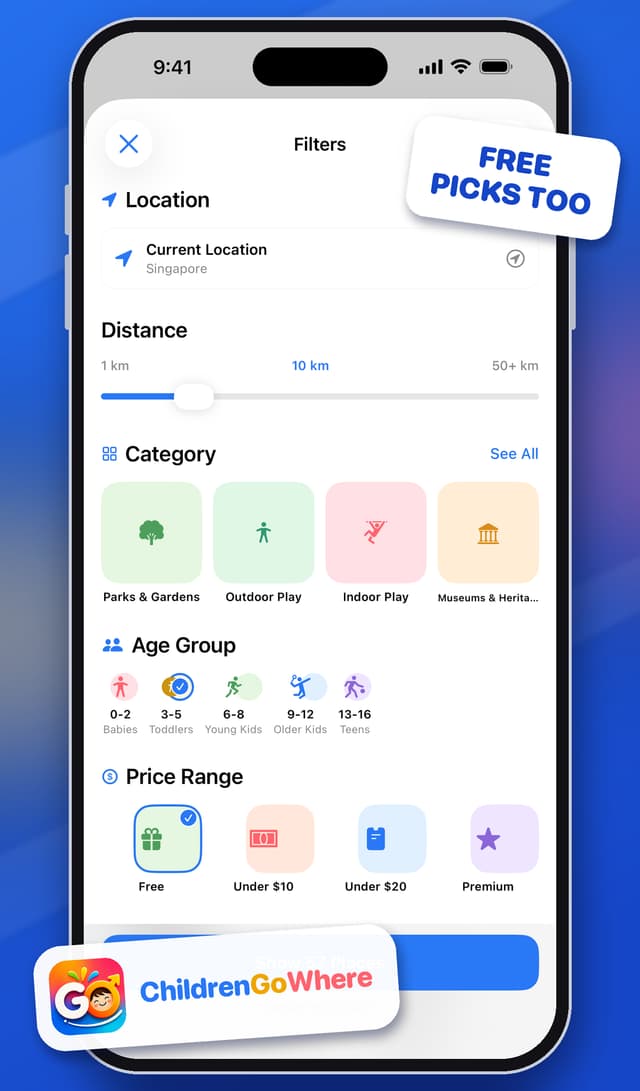
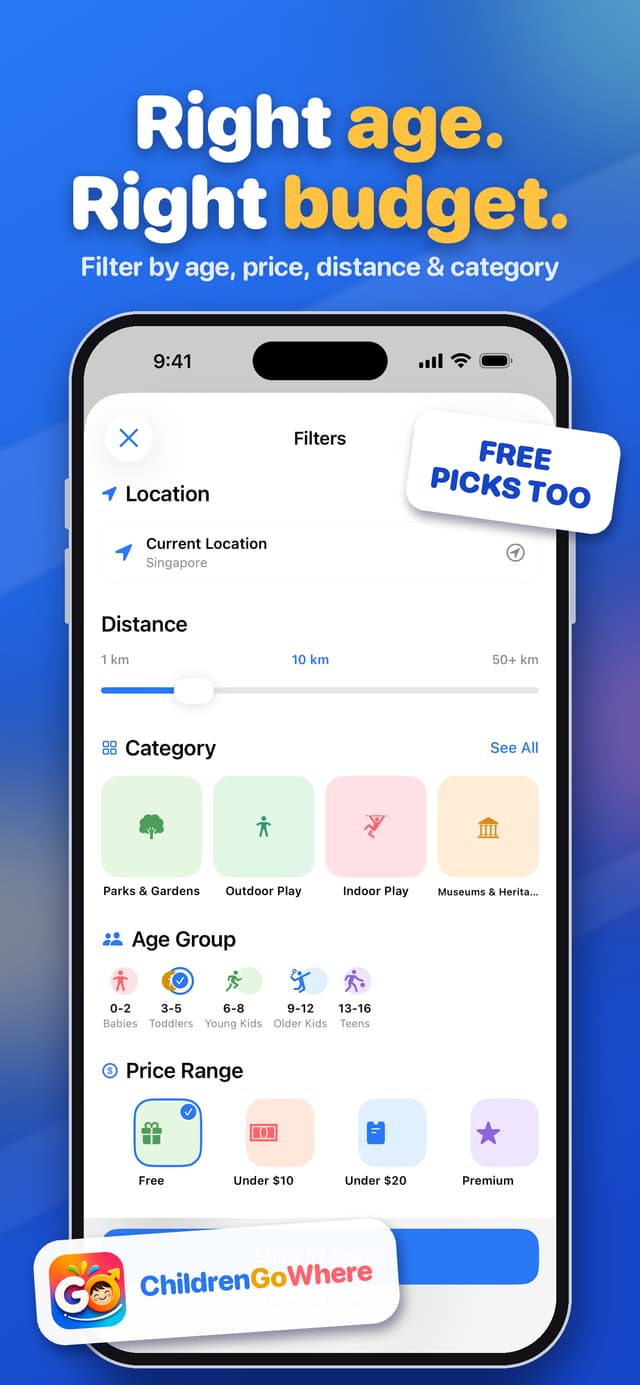
Narrow things down in a few taps, or start from a quick filter and go from there.
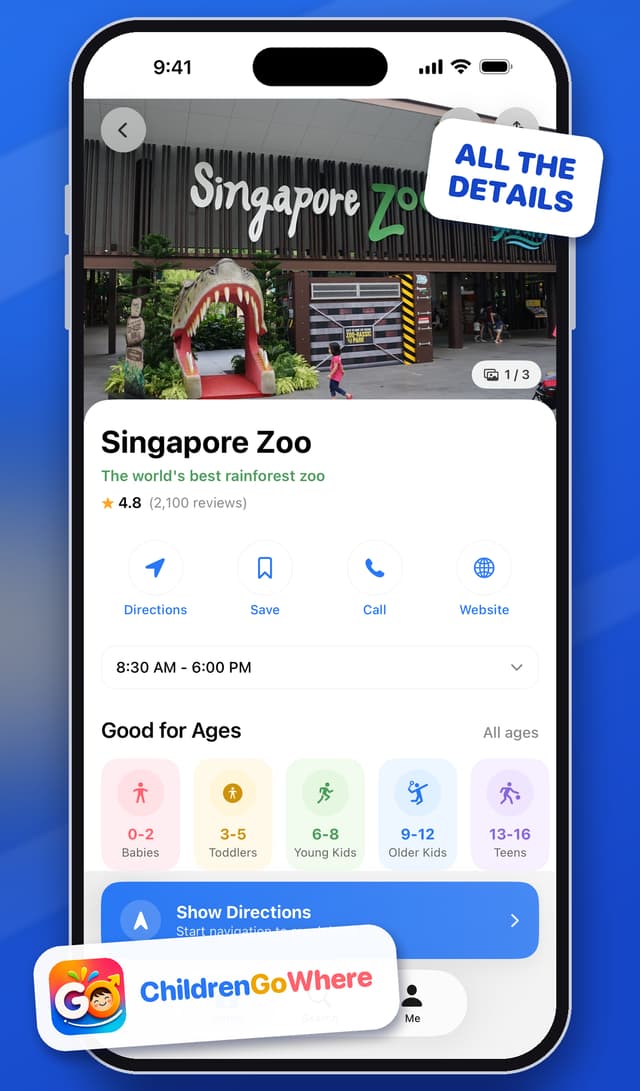
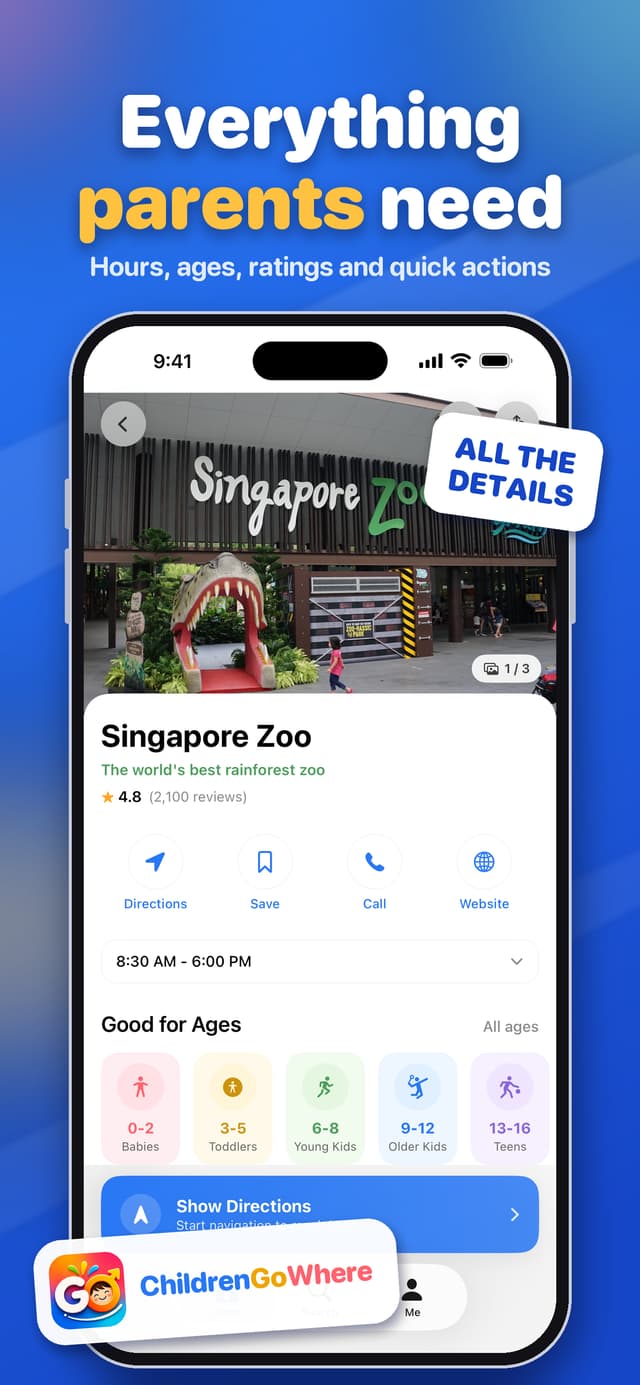
Each place page puts the practical details up front, so you’re not hunting across tabs.
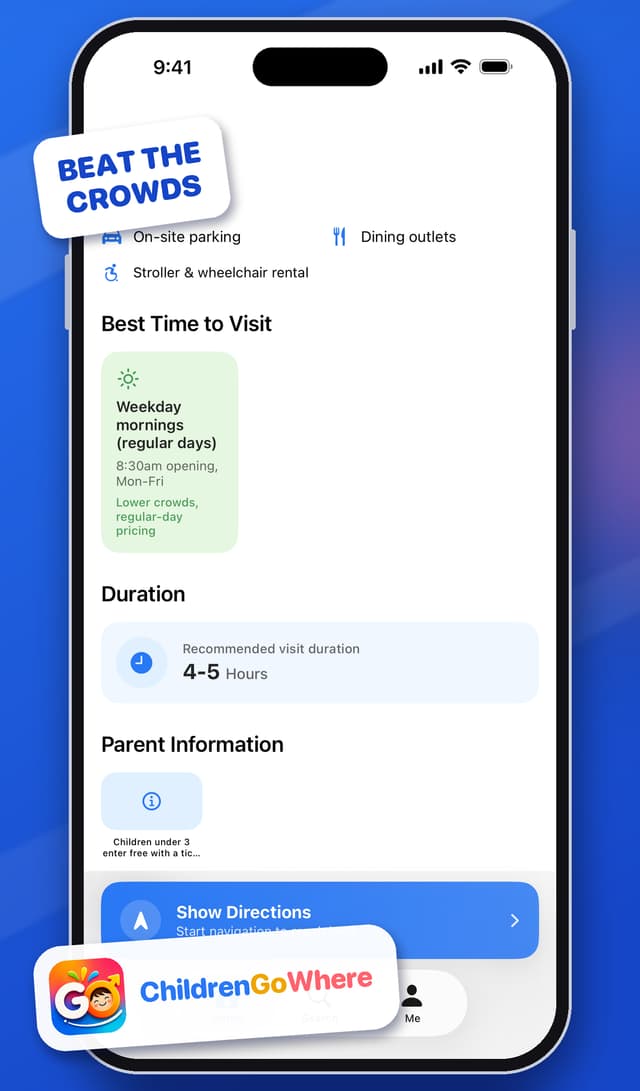
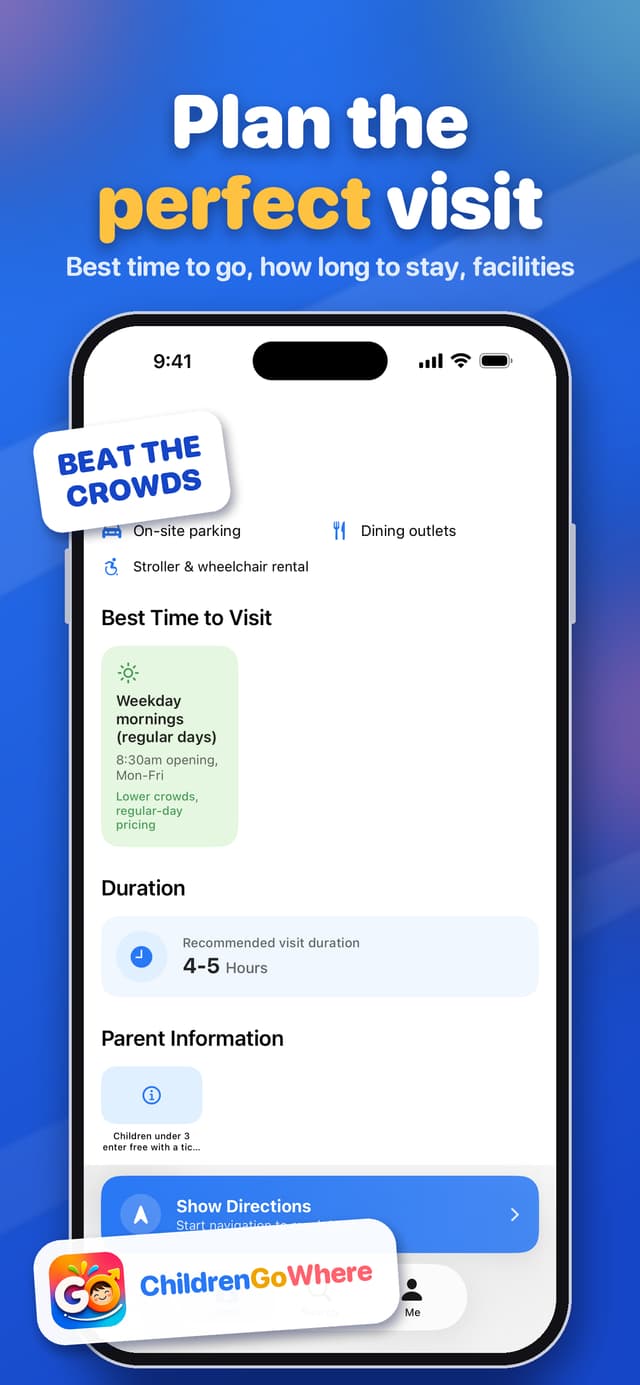
Beat the crowds and make the most of your time once you’re there.
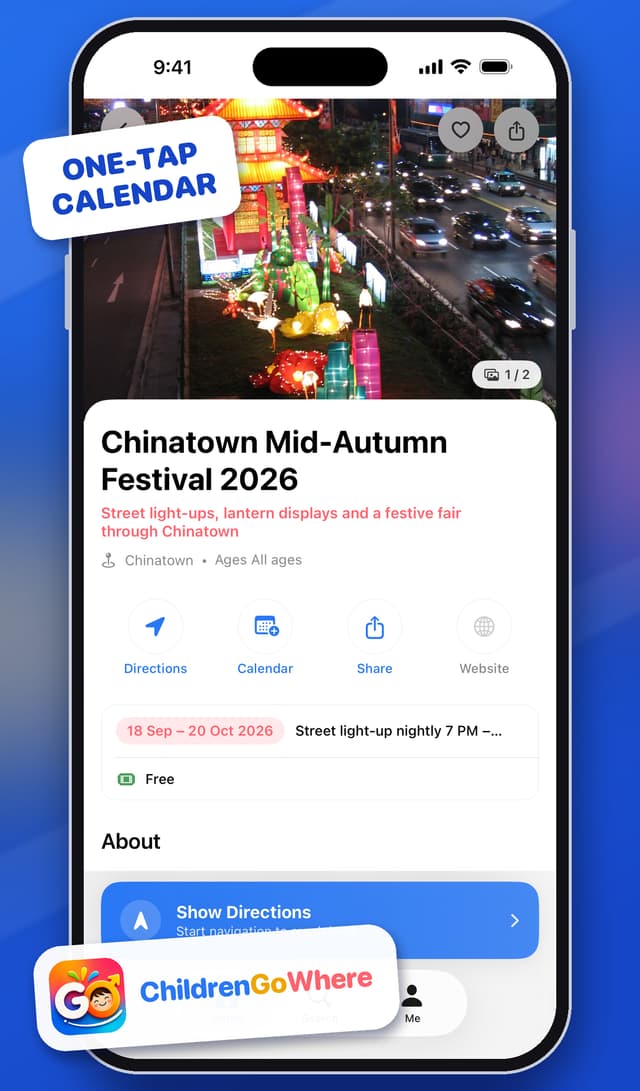
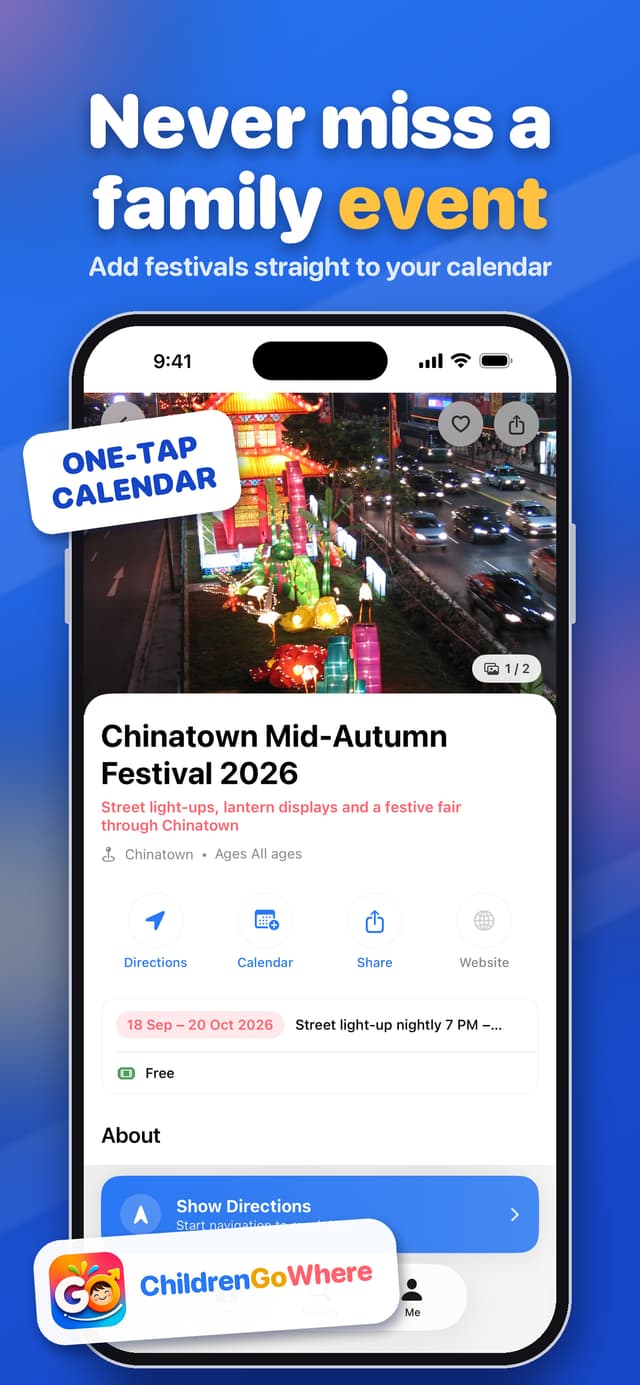
Festivals and seasonal events sit alongside places, with real dates you can act on.
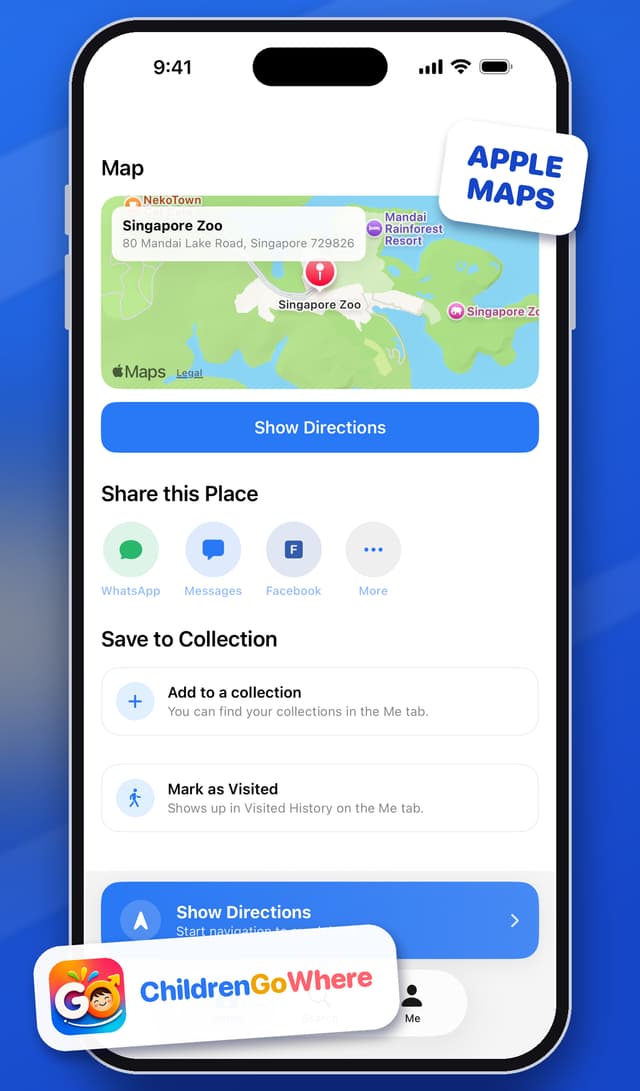
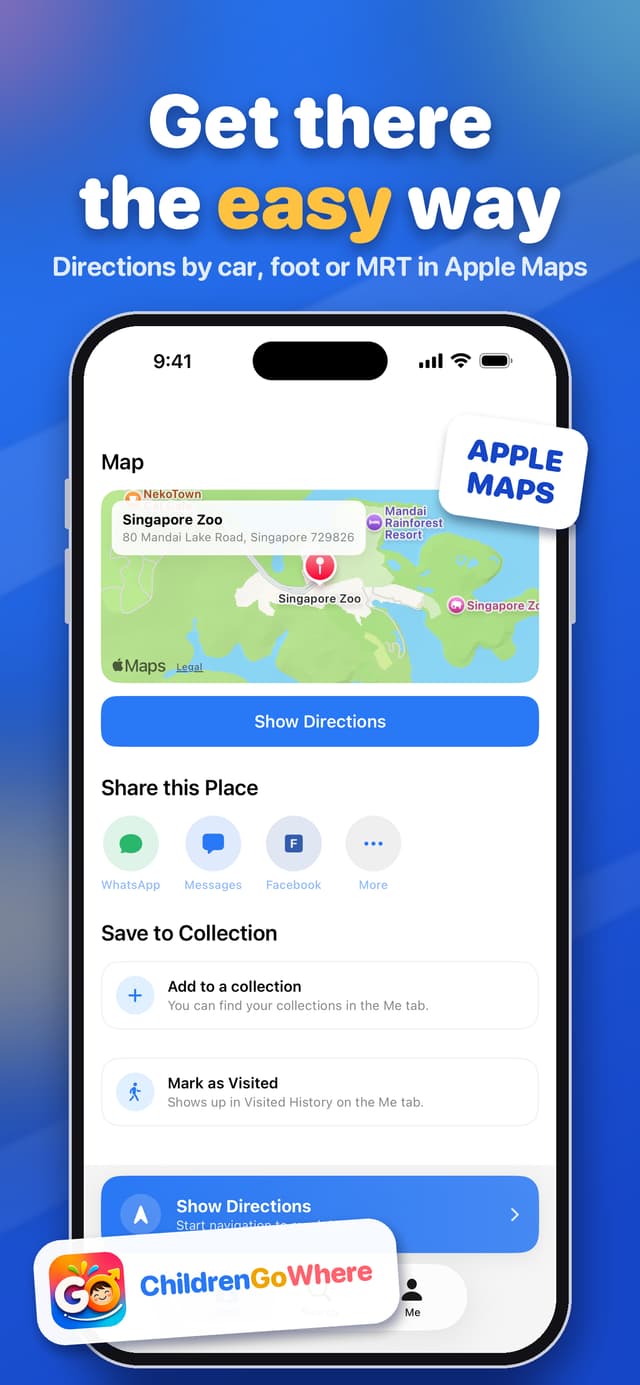
Open directions in Apple Maps by car, on foot or on public transport.
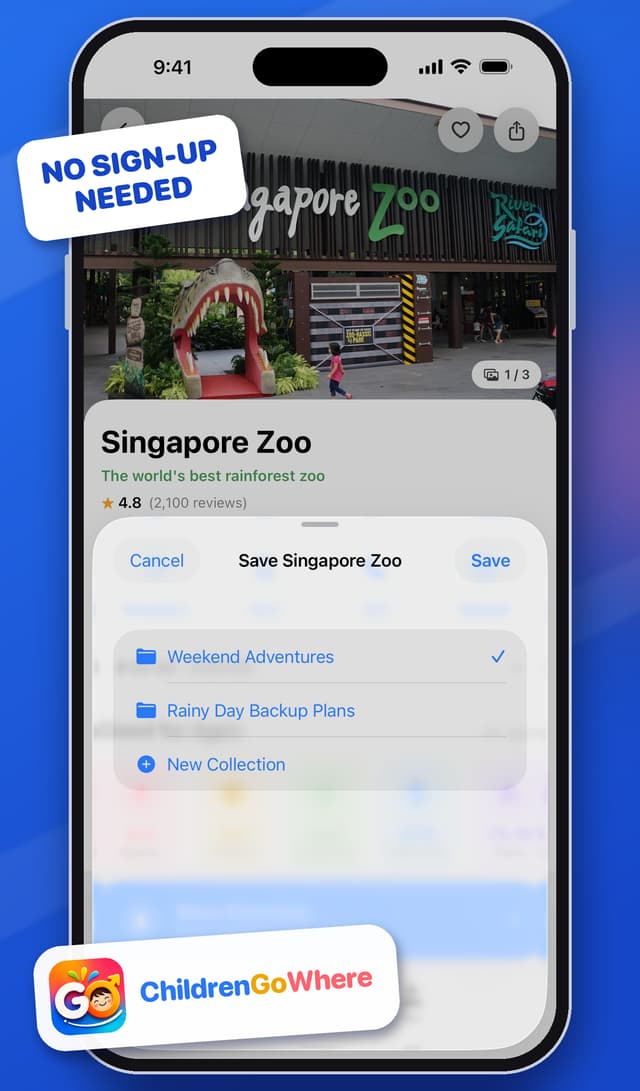
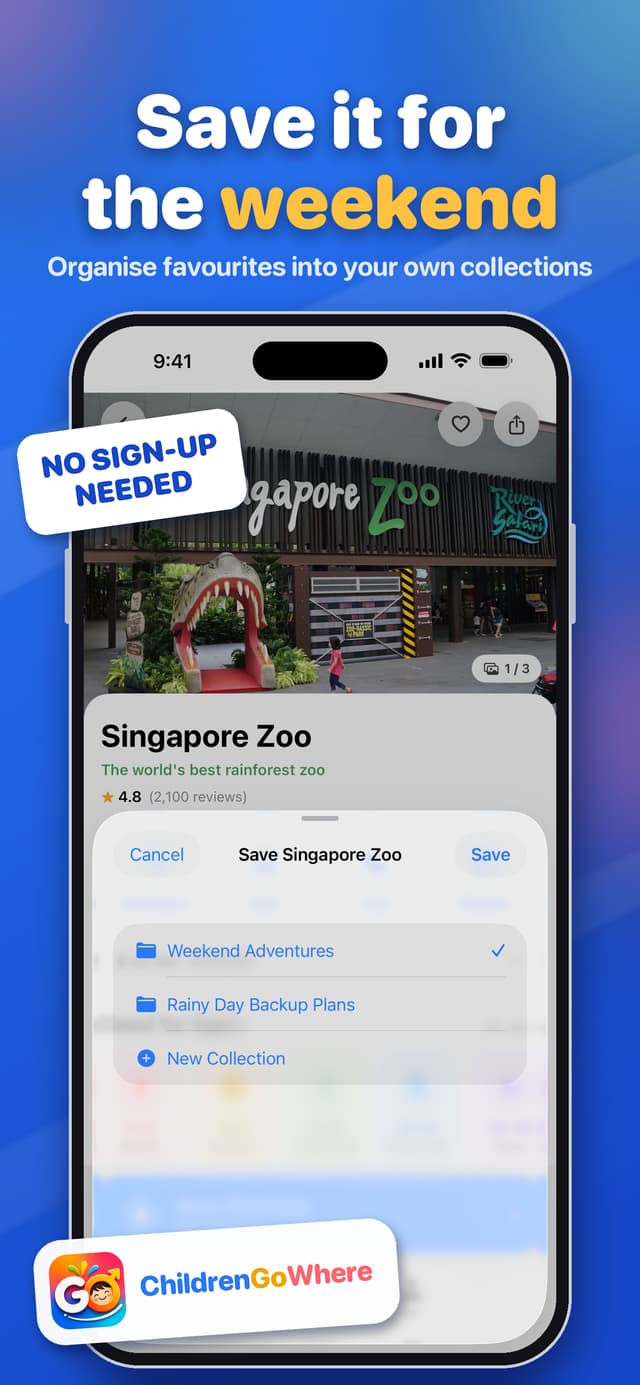
Build your own shortlists for the days ahead.
How it works
Choose an age, a budget and a vibe, or tap a quick filter like Rainy Day or Free Entry.
Check opening hours, crowd levels, the best time to go and how long to stay.
Get directions in Apple Maps, add events to your calendar and save favourites to a collection.
Product
What ChildrenGoWhere is, who it’s for and why it exists, on a single page.
Discover amazing places and activities your kids will love.
Finding a family activity that fits means checking age suitability, indoor or outdoor, price, opening hours, crowd levels and accessibility across several apps and group chats. There is no single place that filters for what parents actually care about.
One search-and-filter experience where age, budget, indoor or outdoor, and rainy-day plans are first-class filters, and every place page shows the logistics parents would otherwise hunt for separately.
Parents and caregivers of children aged 0–16 in Singapore, planning anything from a quick rainy-afternoon outing to a birthday party.
It is built around the variables that decide a family outing (age, budget, weather and logistics), not a generic places directory with star ratings bolted on.
Product strategy
The one number that tells us whether ChildrenGoWhere is helping families get out of the door, not just browse.
Weekly Outings Planned per Active Family
Families who take a concrete “let’s go” step, such as requesting directions to a place, at least once in a week, out of all families active that week.
Families with 1 or more go-actions in the week ÷ families active that weekFamilies look for ideas.
Families shortlist what fits.
Families commit to an outing.
Weekly Outings Planned per Active Family
Browsing and filtering are means, not ends. The moment of real value is when a family decides “we’re going here” and asks for directions. That is a stronger signal than a search or a save, and it maps to an event the app already logs (directions_requested).
These should stay healthy while the North Star grows:
This is a proposed metric, not an adopted company target. “Instrumented today” means the app already logs the event through Firebase Analytics. Figures only include people who leave Analytics switched on in Privacy Settings.
FAQ
Yes. The app is free to download and use, with no in-app purchases or subscriptions.
ChildrenGoWhere is built for families in Singapore. The places and events in the app are Singapore locations.
No. You can continue as a guest and start exploring straight away. Signing in with Apple or email lets your favourites, collections and family members sync across your devices.
Browse by age band (from babies to teens) or by budget (Free, under $10, under $20 or premium), and use quick filters such as Rainy Day, Indoor, Outdoor, Kid-Friendly and Birthday Party. Advanced filters let you narrow by distance, category and price.
Only if you allow it. Location is used to show places near you and estimate travel time. You can switch it off at any time in Me > Privacy Settings, or in your iPhone’s Settings.
No. When you add an event, ChildrenGoWhere asks permission to add it to your calendar. It cannot read your existing events.
An iPhone running iOS 18 or later.
Go to Me > Settings > Privacy Settings > Delete Account. If you need help, or want us to confirm that your saved data has been erased, email verusvibe@gmail.com.
Free for iPhone. No sign-up needed to start exploring.
Launching on the App Store soon. This page will link straight to it the moment it is live.
ChildrenGoWhereFree for iPhone